
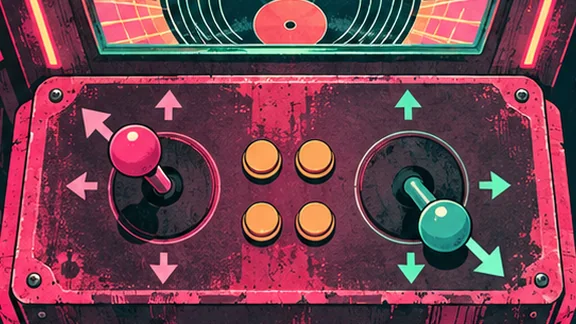
Twin-stick controls

Set travel to 90° and aim right. Can the courier keep walking down while the lamp points across the room?
Interactive demo#TopDownHotline Miami
Two directional inputs let a character travel one way and face another.
The teal stick sets travel direction. The pink stick points the lamp. Each pass starts the courier on the same short track, so you can change one input and see exactly what the other one still controls.
Code
namespace twin_stick_lesson;
import stage;
import std;
import math;

var body = CourierTurn {};

fn stick(cx: f64, angle: f64, color: const u8[:]) {
    let x = cx + 6 * cos(angle);
    let y = 82 + 6 * sin(angle);
    ring(cx, 82, 9, color);
    line(cx, 82, x, y, color);
    ell(x, y, 2.5, 2.5, color);
}

export "twin-stick" fn draw(time: f64, dt: f64, px: f64, py: f64, hover: bool) {
    let move_angle = number_control("move", 0) * PI / 180;
    let aim = if hover { atan2(py - 48, px - 80) } else { -PI / 3 + 0.8 * sin(time) };
    let offset = (time % 3.0 - 1.5) * 20;
    let x = 80 + offset * cos(move_angle);
    let y = 48 + offset * sin(move_angle);
    tiles();
    let facing = steer_courier(body, time, x, y, move_angle, move_angle, aim);
    beam(x, y, facing, 0.5, 30);
    draw_steering_courier(body);
    stick(18, move_angle, MINT);
    stick(142, aim, PINK);
}
Comments
No comments yet.