
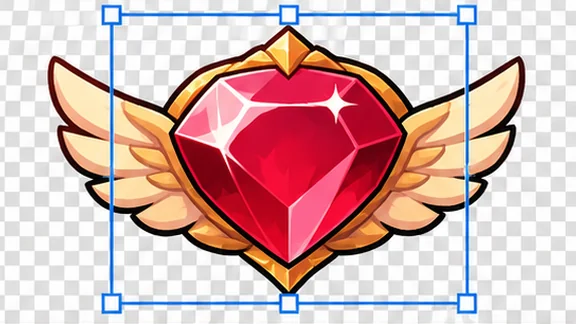
Sprite


Drag the character into a corner. Which empty pixels travel with it inside the magenta box?
Interactive demo#SpritesAndImages
A 2D picture the game can move around the screen.
Characters, coins, bullets and buttons are usually sprites: a rectangle of pixels with see-through parts, drawn at a position every frame. Move the position and the picture moves. The magenta box is the sprite’s full rectangle, including the empty corners.
Code
namespace sprite_lesson;
import stage;
import std;
import math;

export "sprite" fn draw(time: f64, dt: f64, px: f64, py: f64, hover: bool) {
    artwork("draft");
    checker(8, 8, 144, 84, 7);
    box(7, 7, 146, 86, "#78979c");
    let x = if hover { px - 24 } else { 56.0 };
    let y = if hover { py - 24 } else { 26 + floor(sin(time * 3) * 2 + 0.5) };
    image(0, x, y, 4);
    box(x - 2, y - 2, 52, 52, MAG);
}
Comments
No comments yet.