
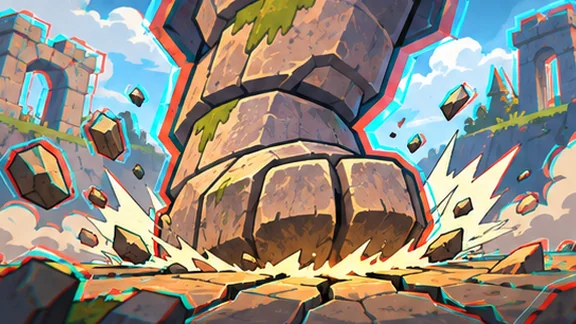
Screen shake


Set strength to zero for one landing, then raise it. Watch the horizon at the instant the feet touch down.
Interactive demo#Camera#Camera
Jolting the camera for a moment to sell an impact.
The camera is nudged by a small random offset that quickly dies away. A little goes a long way: too much is tiring, and good games let players turn it down.
Code
namespace screen_shake_lesson;
import stage;
import std;
import math;

export "screen-shake" fn draw(time: f64, dt: f64, px: f64, py: f64, hover: bool) {
    let strength = number_control("strength", 4);
    let t = time % 1.6;
    let air = 0.8;
    let height = if t < air { 184 * (t / air) * (1 - t / air) } else { 0.0 };
    let amplitude = if t >= air { strength * exp(-(t - air) * 6) } else { 0.0 };
    save();
    translate(floor(sin(time * 91) * amplitude + 0.5), floor(cos(time * 73) * amplitude + 0.5));
    view_start(130, -10);
    rect(120, -10, 180, 10, SKY_BG);
    world(GY, -1000, 1000);
    actor(210, GY - height, if t < air { air_pose(184 * (1 - 2 * t / air) / air) } else if t < air + 0.12 { LAND } else { STAND }, 3, "base", "director");
    if t >= air && t < air + 0.3 {
        let d = (t - air) * 60;
        rect(190 - d, GY - 3, 4, 3, WHITE);
        rect(226 + d, GY - 3, 4, 3, WHITE);
    }
    restore();
    restore();
}
Comments
No comments yet.