

Outline

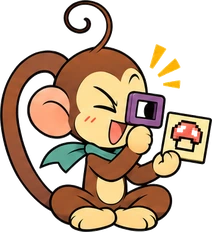
Move the green character onto a patch of grass. Toggle the outline while watching the edge of its head.
Interactive demo#PixelLook
A solid line around a sprite so it stands out from the background.
A green monkey on green grass disappears. Draw its silhouette in a contrasting colour, shifted one pixel in each direction, and it pops out again. Also used to show which thing is selected.
Code
namespace outline_lesson;
import stage;
import std;
import math;

export "outline" fn draw(time: f64, dt: f64, px: f64, py: f64, hover: bool) {
    let frame = (time * 6) as i64 % 4;
    artwork("clearing");
    let x = (if hover { px } else { 80 + sin(time * 0.8) * 36 }) - 24;
    let y = (if hover { py } else { 50.0 }) - 24;
    if toggle("on") {
        for delta in [[-4, 0], [4, 0], [0, -4], [0, 4]] {
            image(frame, x + delta[0], y + delta[1], 4, "white");
        }
    }
    image(frame, x, y, 4, "moss");
}
Comments
No comments yet.