
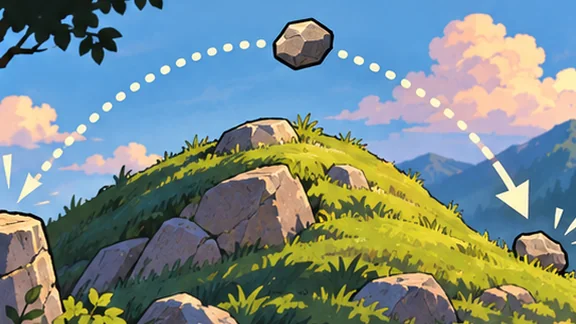
Gravity


Watch the velocity arrow at the top of the jump. Which part of its motion changes direction?
Interactive demo#MotionAndFeel
A constant downward pull added to speed every frame, which bends a jump into an arc.
Position changes by velocity; velocity changes by gravity. Weak gravity gives a long, floaty jump; strong gravity gives a short, snappy one. The magenta arrow is the monkey’s velocity.
Code
namespace gravity_lesson;
import stage;
import std;
import math;

// Upward displacement is measured from the takeoff point.
fn jump_height(time: f64, speed: f64, gravity: f64) -> f64 {
    speed * time - gravity * time * time / 2.0
}

export "gravity" fn draw(time: f64, dt: f64, px: f64, py: f64, hover: bool) {
    artwork("hall", 0, 0, W, 125);
    let gravity = number_control("g", 600);
    let speed = 150.0;
    let air = 2 * speed / gravity;
    let elapsed = time % (air + 0.5);
    let vx = 84 / air;
    ground();
    for k in 17 {
        let t = air * k / 16;
        ell(34 + vx * t, GY - jump_height(t, speed, gravity) - 12, 0.9, 0.9, GOLD);
    }
    let t = min(elapsed, air);
    let x = 34 + vx * t;
    let y = GY - jump_height(t, speed, gravity);
    actor(x, y, if elapsed >= air { LAND } else { air_pose(speed - gravity * t) }, 2, "base", "runner");
    if elapsed < air {
        let vy = speed - gravity * t;
        let ex = x + vx * 0.1;
        let ey = y - 12 - vy * 0.14;
        line(x, y - 12, ex, ey, MAG);
        rect(ex - 1, ey - 1, 3, 3, MAG);
    }
}
Comments
No comments yet.