
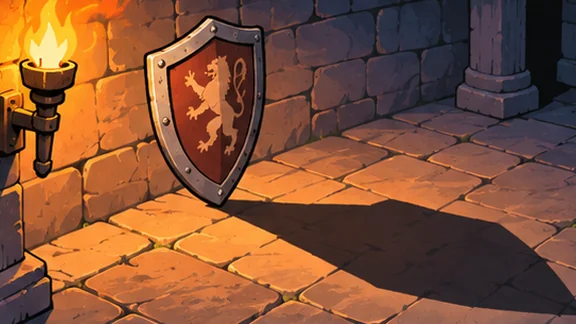
Cast shadow

Move the light from left to right. Predict which way the shadow will lean before you cross the character.
Interactive demo#Shadows#Shadow
The sprite’s own silhouette, flattened and slanted away from the light.
Take the sprite, paint it black, squash it and lean it over. A low light gives a long shadow, a high one a short shadow. It’s still a trick, but it responds to where the light is.
Code
namespace cast_shadow_lesson;
import stage;
import std;
import math;

export "cast-shadow" fn draw(time: f64, dt: f64, px: f64, py: f64, hover: bool) {
    artwork("hall", 0, 0, W, 99);
    ground(62);
    let lx = if hover { px } else { 80 + sin(time * 0.7) * 66 };
    let ly = if hover { min(py, 52.0) } else { 14 + abs(sin(time * 0.7)) * 16 };
    let height = max(10.0, 70.0 - ly);
    let skew = clamp((80 - lx) / height, -2.2, 2.2);
    let length = clamp(26.0 / height, 0.25, 0.8);
    save();
    opacity(0.55);
    matrix(3, 0, -3 * skew * length, -3 * length, 62 + 36 * skew * length, 69 + 36 * length);
    image(0, 0, 0, 1, "shade");
    restore();
    actor(80, 70, 0, 3);
    lamp(lx, ly);
}
Comments
No comments yet.