
Camera


Pick a landmark in the upper view. Predict when it will enter the lower view as the camera rectangle moves.
The window onto the world. It decides which part you see.
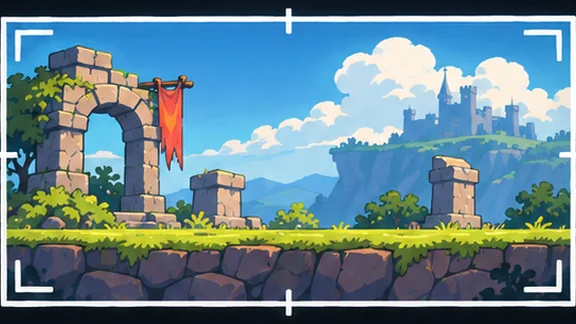
The level is far bigger than the screen. The camera is a rectangle that slides over it; whatever is inside the rectangle gets drawn. Top: the whole world. Bottom: what the camera shows.
Code
namespace camera_lesson;
import stage;
import std;
import math;

export "camera" fn draw(time: f64, dt: f64, px: f64, py: f64, hover: bool) {
    let x = 210 + sin(time * 0.5) * 170;
    let flip = cos(time * 0.5) < 0;
    let camera = clamp(x - 80, 0.0, 260.0);
    save();
    translate(10, 6);
    scale(1.0 / 3.0, 1.0 / 3.0);
    artwork("valley", 0, 0, 420, 84);
    world(60, -1000, 1000);
    actor(x, 60, 0, 3, "base", "director", flip);
    restore();
    box(10 + camera / 3, 6, W / 3, 28, MAG);
    line(10 + camera / 3, 34, 0, 42, MAG, 2, 2);
    line(10 + camera / 3 + W / 3, 34, W, 42, MAG, 2, 2);
    view_start(camera, 42);
    world(80, -1000, 1000);
    actor(x, 80, walk(time), 2, "base", "director", flip);
    restore();
    box(0, 42, W, 58, MAG);
}
Comments
No comments yet.