
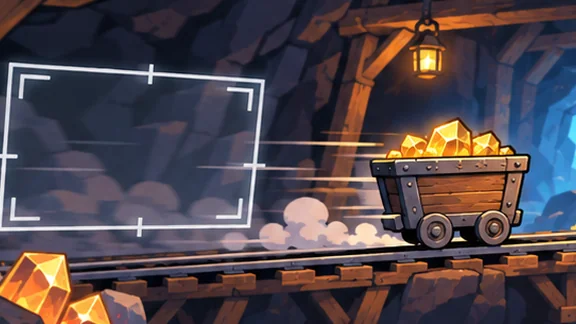
Camera follow

Watch the centre line when the character reverses direction. How long does the camera take to catch up?
Interactive demo#Camera#Camera
The camera chases the player, usually with a little lag so it glides.
Locking the camera rigidly to the player feels stiff and makes every twitch shake the whole screen. Instead the camera closes a fraction of the gap each frame, so it eases in behind them. The dashed line is the centre of the screen.
Code
namespace camera_follow_lesson;
import stage;
import std;
import math;

var x = 120.0;
var camera = 40.0;
var flip = false;

export "camera-follow" fn draw(time: f64, dt: f64, px: f64, py: f64, hover: bool) {
    let stops = [120.0, 300.0, 190.0, 330.0, 90.0];
    let target = stops[(time / 1.7) as i64 % 5];
    let step = clamp(target - x, -170 * dt, 170 * dt);
    x += step;
    if step != 0 {
        flip = step < 0;
    }
    camera = if toggle("smooth") { mix_value(camera, x - 80, 1 - exp(-dt * 3.5)) } else { x - 80 };
    view_start(clamp(camera, 0.0, 260.0), 0);
    world(GY, -1000, 1000);
    actor(x, GY, if step != 0 { walk(time * 2) } else { 0.0 }, 2, "base", "director", flip);
    restore();
    line(80.5, 10, 80.5, GY, MAG, 2, 2);
}
Comments
No comments yet.