
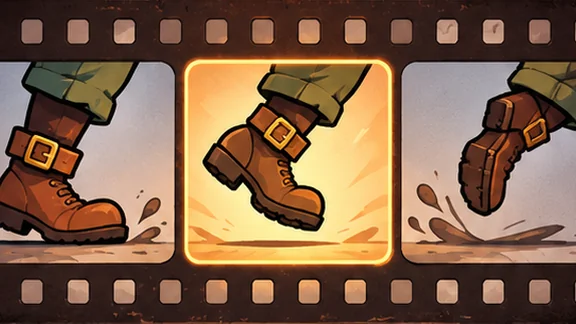
Animation frame


Set the animation to one frame per second. Watch the feet for a whole cycle, then try twelve.
Interactive demo#SpritesAndImages#Sprite
One still picture in an animation. Show them in order and you get movement.
Frame-by-frame animation is a flipbook. How many frames you show per second sets the feel: 4 looks chunky and retro, 12 looks smooth. This is separate from the game’s own frame rate.
Code
namespace animation_frame_lesson;
import stage;
import std;
import math;

export "animation-frame" fn draw(time: f64, dt: f64, px: f64, py: f64, hover: bool) {
    artwork("draft");
    let progress = time * number_control("fps", 4);
    let frame = progress as i64 % 4;
    image(frame, 56, 6, 4);
    for i in 4 {
        let x = 20 + i * 32;
        rect(x - 2, 64, 28, 28, if i == frame { "#3a3e7c" } else { BG2 });
        image(i, x, 66, 2);
        if i == frame {
            box(x - 2, 64, 28, 28, MAG);
            rect(x - 2, 94, 28 * (progress % 1.0), 2, MAG);
        }
    }
}
Comments
No comments yet.